TAA | DLAA | DLSS v9.3.0
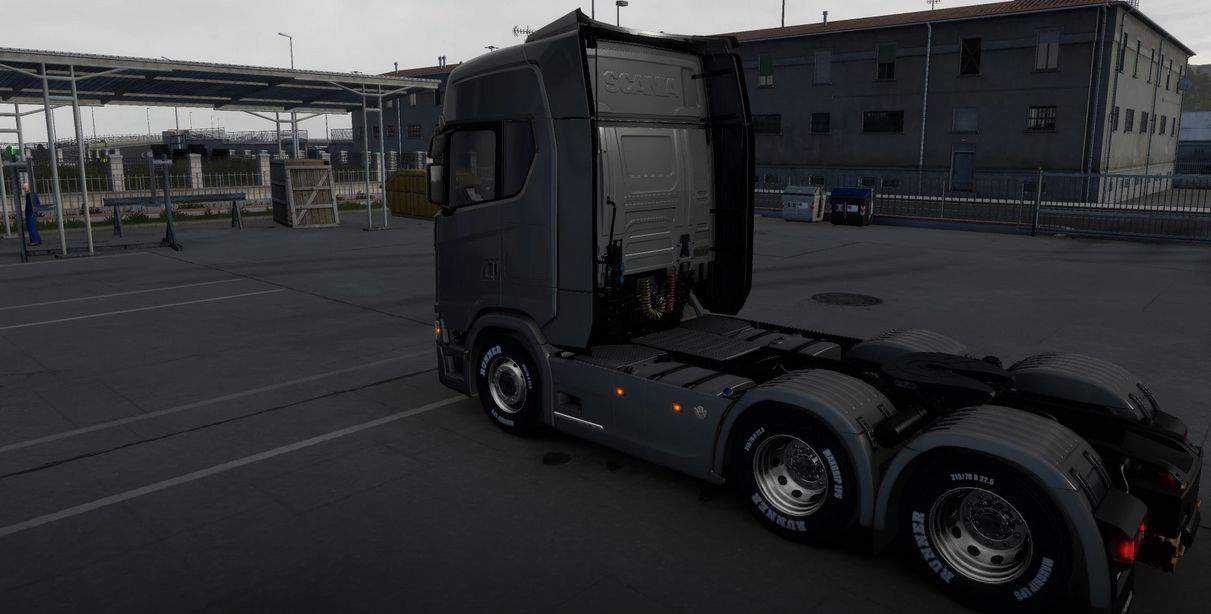
A high-quality and high-performance time antialiasing (TAA) solution has been implemented, as well as DLSS/DLAA support for NVIDIA GPUs.
Shadow and SSAO improvements. Now you don’t have to worry about flickering shadows and SSAO anymore.
Requirements:
Windows 10 x64 or Windows 11 x64, DirectX 11, constant Internet connection
Installation :
For license: place files dxgi.dll and dinput8.dll Along the way X:\Steam\steamapps\common\Euro Truck Simulator 2\bin\win_x64
For the DLSS version, put the files dxgi.dll and nvngx_dlss.dll to the bin\win_x64 folder
Launch the game with DirectX 11
Disable any other anti-aliasing (SMAA, MSAA, Nvidia Profile Inspector (NPI)), increase the sharpness. filter and resolution scaling (use only resolution scaling in the game)
** If you have a problem with a black screen, disable HDR, reset the game’s config.cfg and settings from the NVIDIA/AMD control panel. Also close the TAA menu after starting the game.
Settings:
Press the “END” or “CTRL+P” key to open the game menu.
TAA Clarity – reduce the blur of TAA
* TAA Clarity is designed for people who want to get less blurry and clearer results, close to the result without smoothing, for example, for VR users.
Sharpen Edges – adjust the sharpness for aligned edges when using TAA Clarity/+.
TAA level – The higher, the smoother
FXAA is the 2nd smoothing method to improve edges
T.Shadow – Prevents shadows from flickering
Use with ReShade
You can also use this method with any other mod/plugin using dxgi.dll .
Create a folder named “reshade” in the “bin\win_x64” folder.
Place all the files of ReShade (or any other mod/plugin) in the folder “bin\win_x64\reshade” or select the folder “bin\win_x64\reshade” in the ReShade installer.