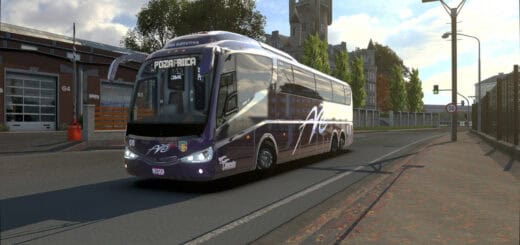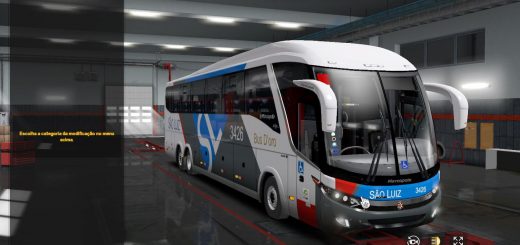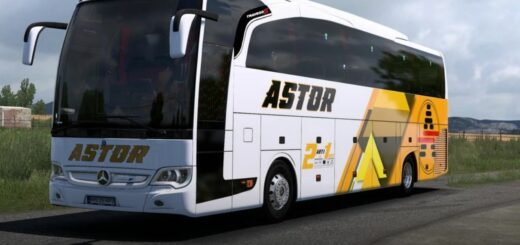

Marcopolo G6 1550 LD 8X2 v1.0
The **Marcopolo G6 1550 LD 8×2** is a legendary bus, and a very popular mod for Euro Truck Simulator 2. This bus is known for its size and comfort, and the “G6” series (Generation 6) is a classic model in many South American countries. The “1550 LD” refers to its specific model and “Low Deck” configuration, while the **8×2** specifies a four-axle setup—two steering axles at the front and two drive axles at the back. This makes it a unique and impressive vehicle to drive in the game.
Key Features to Expect from the Mod
A high-quality mod for this bus will often include a lot of customization and detail to make the experience as immersive as possible.
You can usually expect:
* **Detailed 3D Model:** The bus should have a realistic exterior and a well-designed, functional interior with a custom dashboard.
* **Unique Physics:** Driving a large, four-axle bus is different from a regular truck. A good mod will simulate the unique handling and turning radius of an 8×2 vehicle.
* **Custom Sounds:** Look for mods that include a custom sound package for the engine and other features, as this greatly enhances the realism.
* **Customization Options:** The best mods will let you change things like the paint, wheels, interior accessories, and even add custom skins from real-life bus companies.
* **Passenger System:** While this is often a separate mod, some bus mods are designed to work with passenger mods, allowing you to take on jobs as a passenger transport driver.
How to Install the Mod
Installing the Marcopolo G6 1550 LD 8×2 is a straightforward process, similar to other ETS2 mods:
1. **Download the Mod:** Find a reliable source for the mod. Many creators showcase their work on YouTube and provide download links. The file will likely be a compressed archive (like a `.zip` or `.rar`) containing a `.scs` file.
2. **Move the File:** Copy the `.scs` file and paste it into your ETS2 mod folder, which is located in your Documents folder at `Documents\Euro Truck Simulator 2\mod`.
3. **Activate in Mod Manager:** Launch ETS2 and go to the **Mod Manager** before loading your profile. Find the mod in the list and double-click it to move it to the “Active Mods” column. Make sure you apply the changes.
4. **Buy the Bus:** Once in the game, go to a truck dealer and look for the “Access Mod Dealer” option. You can purchase and customize your new bus there.
Enjoy cruising the highways with this classic and powerful bus!