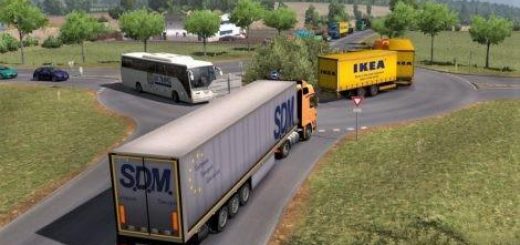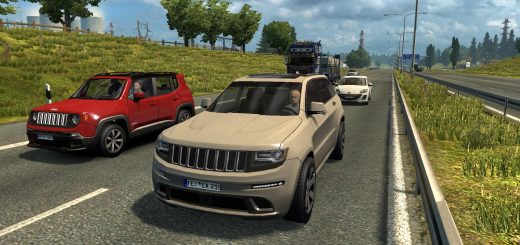
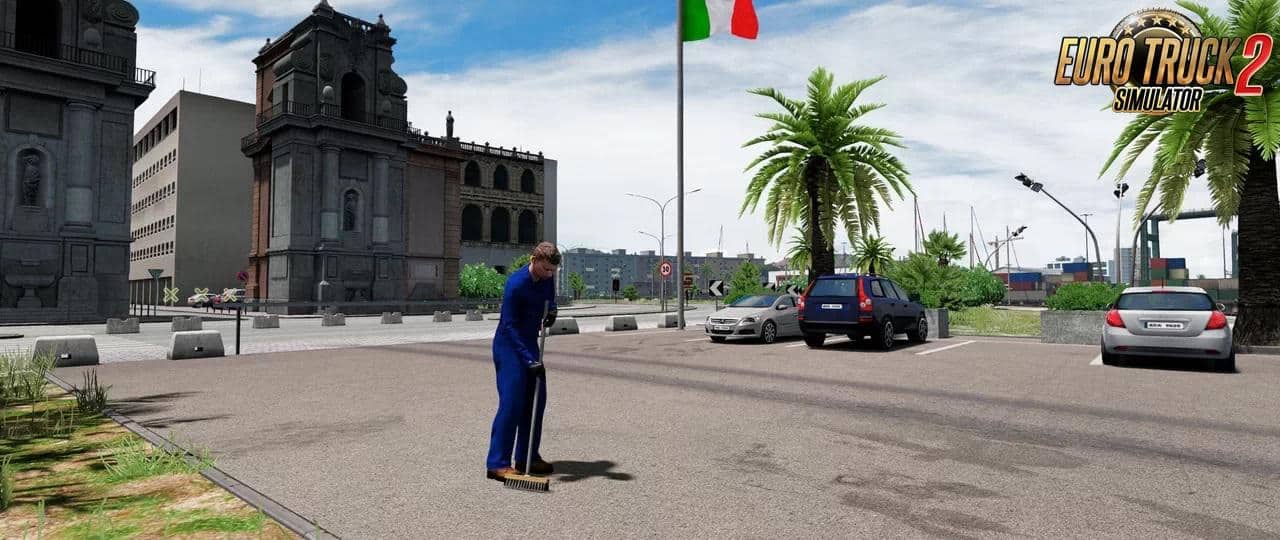
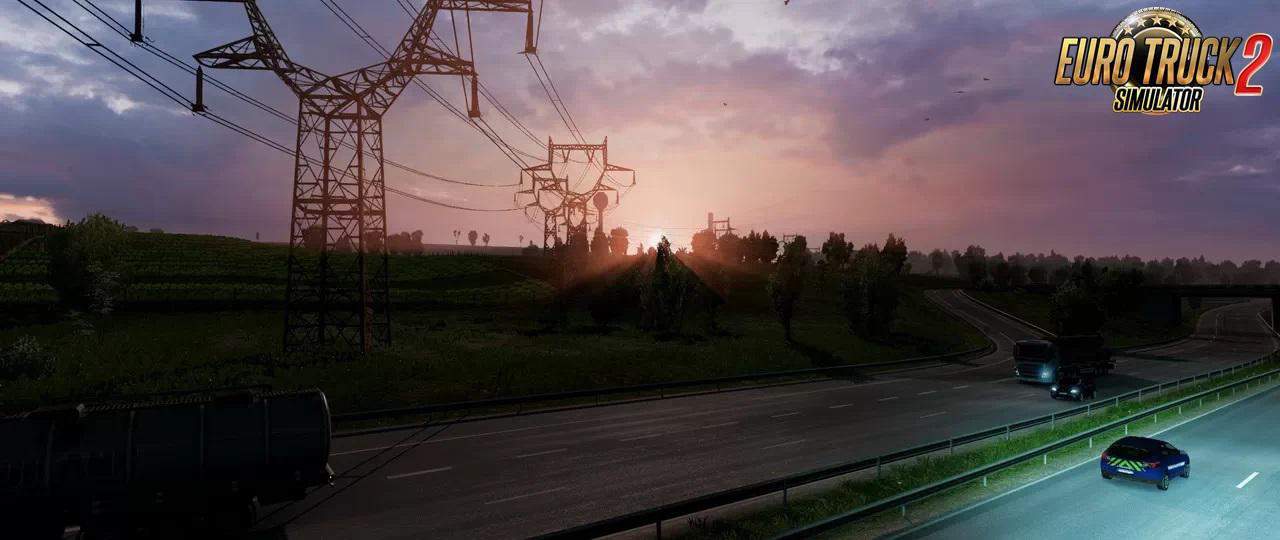
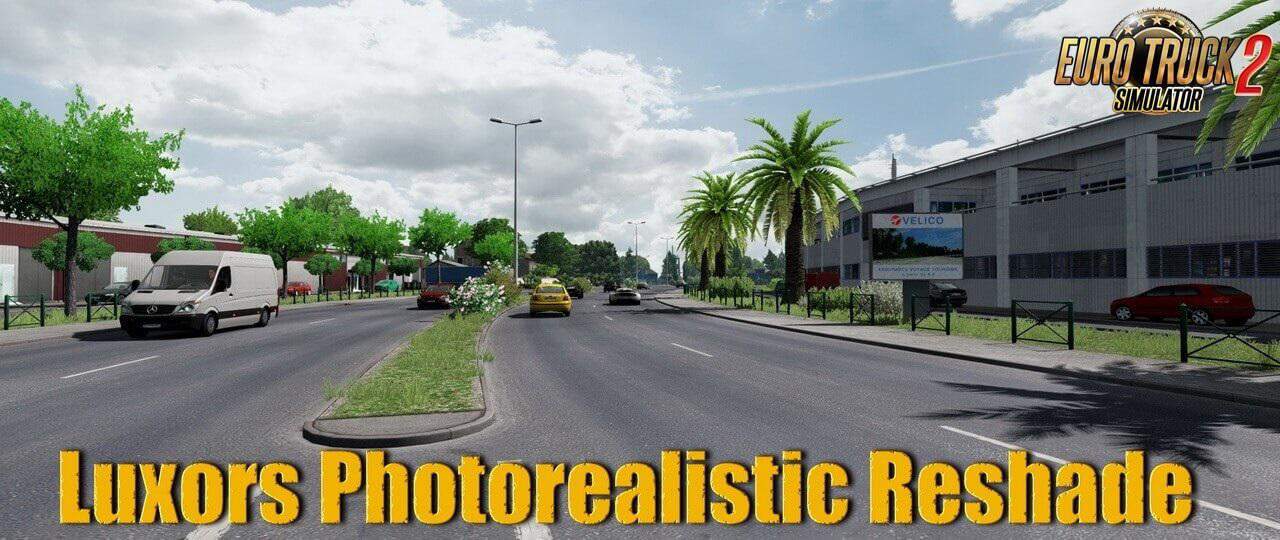
PHOTOREALISTIC RESHADE BY LUXOR8071 V1.0 1.36.X MOD
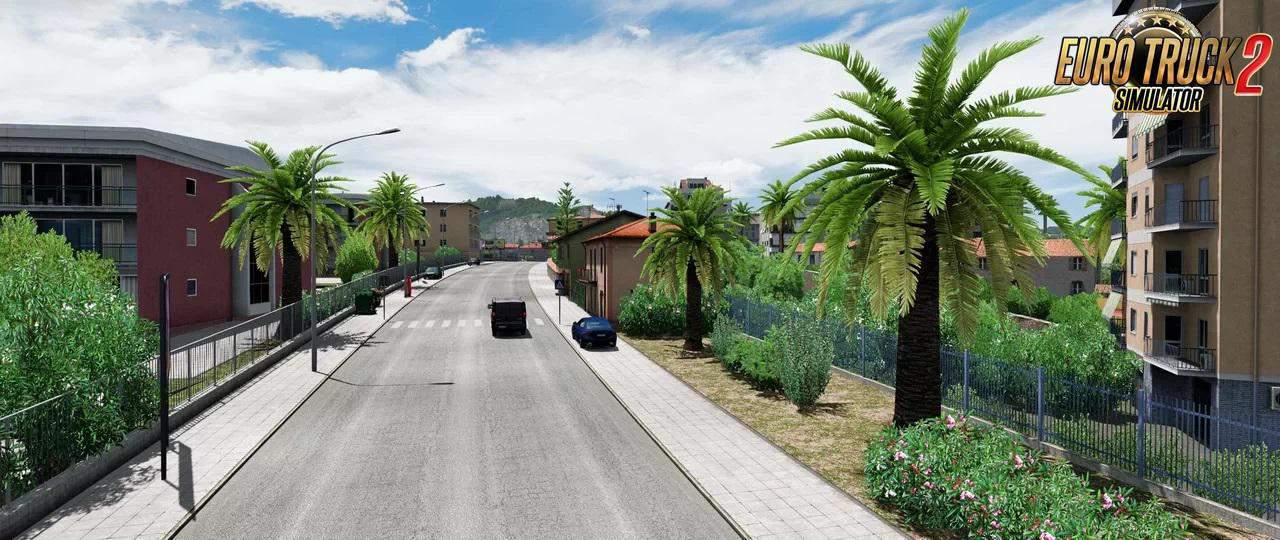
Luxors Photorealistic Reshade – makes your Euro Truck Simulator 2 a real Beauty and more realistic.
Features mod Luxors Photorealistic Reshade:
– Color Correction, which makes Environment and Sky realistic looking.
– Brownish Colour on Roads and Buildings removed and corrected for more realism.
– Better AA and Sharpening Filter for great Images.
Required Mods:
– ProjectNG 2.0 – Textures [Base]
– ProjectNG 1.8 – Weather beta 2.01
Installation :
1. Download and install the latest version of the Reshade framework (click on “Direct3D 10/11/12”). Download all of the effects when asked to during the installation).
2. Download Luxor’s Photorealistic Reshade for ETS 2 and move the contents of the folder into the directory that contains your eurotrucks2.exe (bin\win_x64). Overwrite when asked.
3. Start the Game, wait for the Shaders to load and press POS 1 to open the GUI.
4. Click “continue” and then on the upper right hand corner click in the “+” symbol.
5. Choose the Photorealistic Reshade Preset. You should now notice the Shaders activate.
Tested on game version 1.36.x