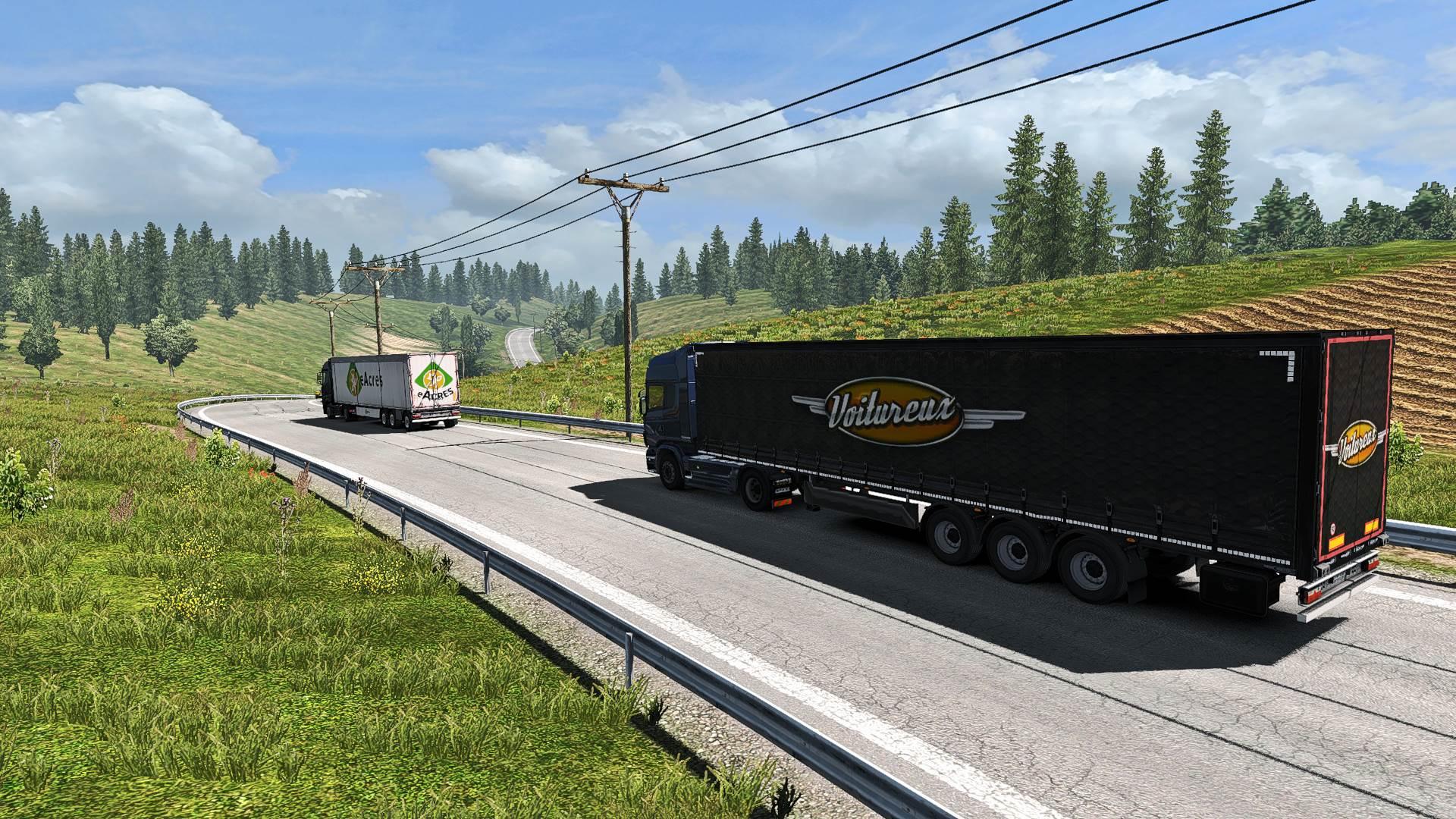
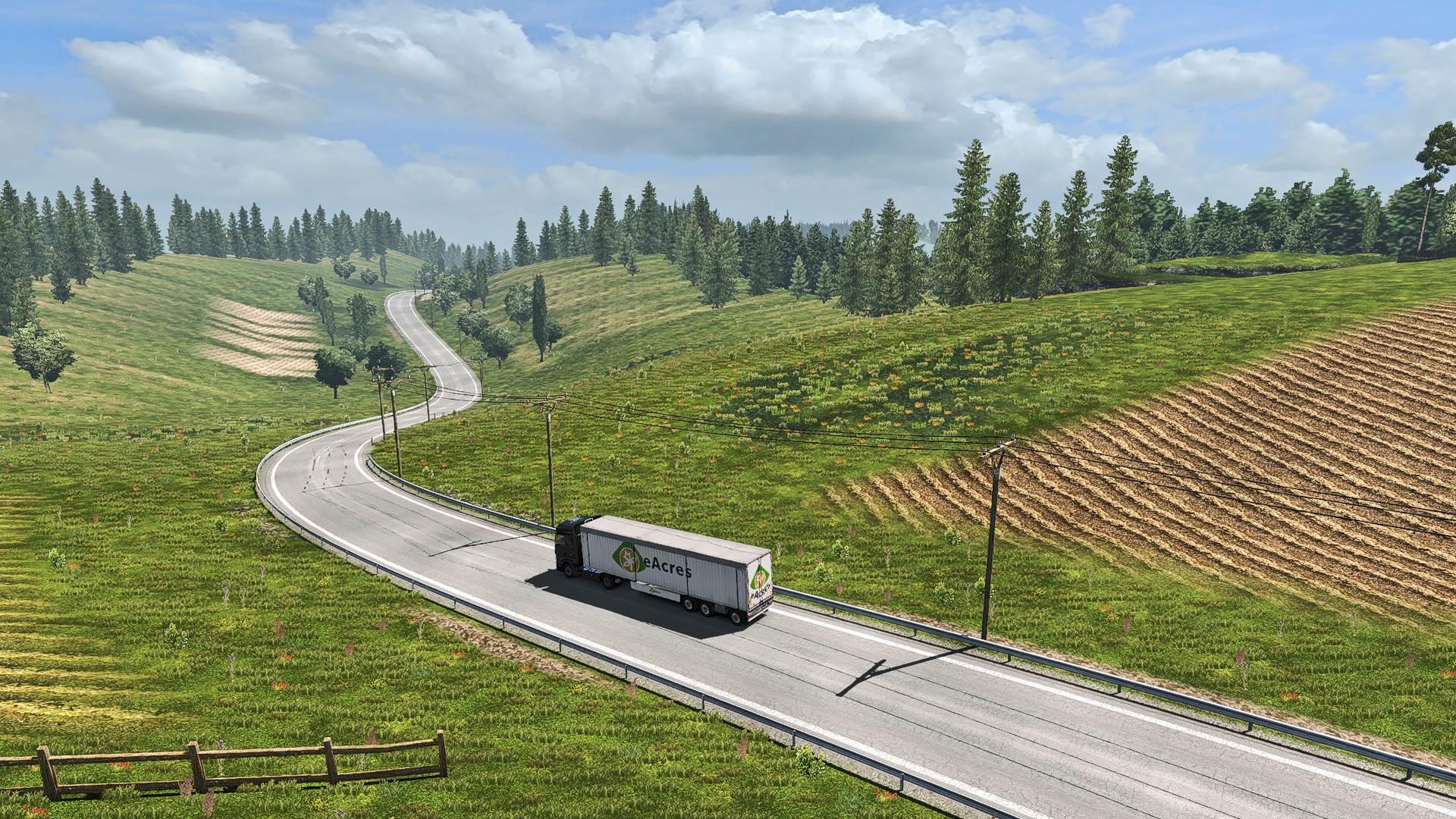
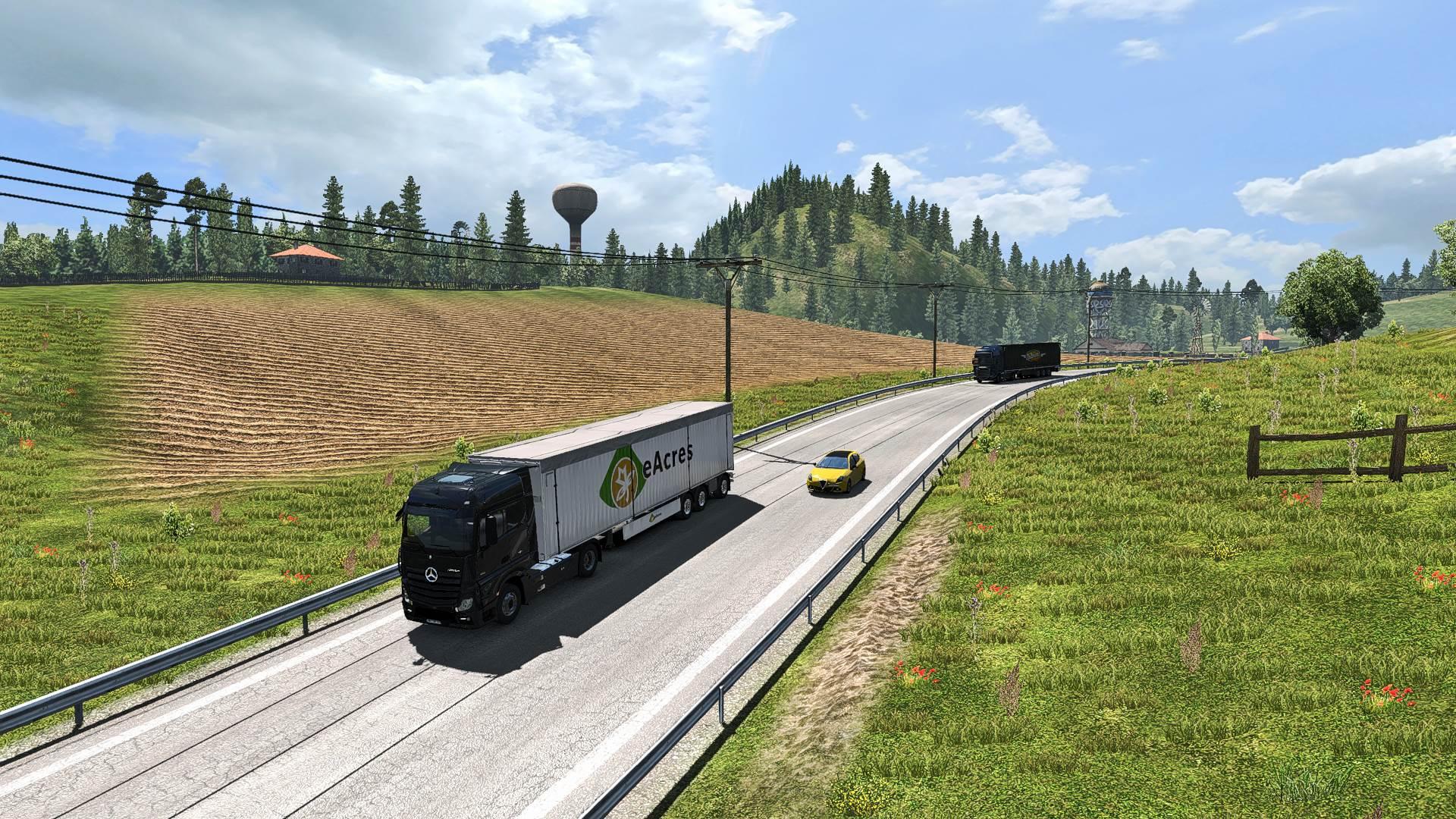
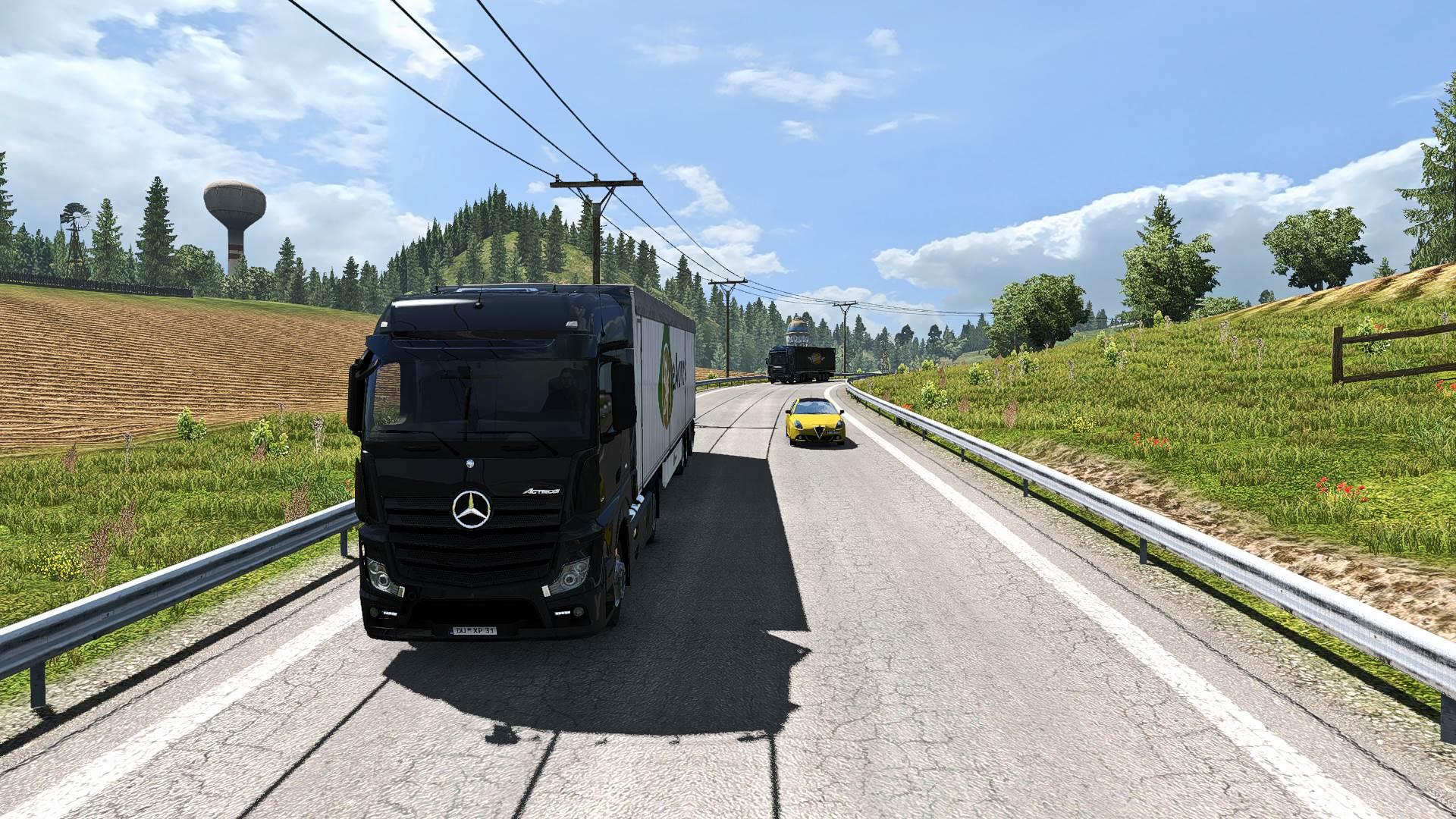
REALISTIC LIGHTING 2 JBX PRESET V1.9.10 MOD
Description: The custom setting v1.9.10 offers more realistic graphics, compatibility with many Games and Mod Graphics.
Recomendações: Evite modificar o brilho e o contraste padrão do monitor*, jogue em Full HD (1920X1080) ou superior e use as configurações gráficas que recomendo para obter o melhor resultado possível no jogo.
Additional: Deactivate the graphic options of post-processing effects and any other adjustment that affects the quality of the environment, including anti-aliasing filters not recommended. The brightness or gamma settings must be by default in the games. in some games you have to adjust it to avoid excess brightness.
Características:
– Better Lighting
- Melhor cor
- Melhor contraste
– No Pure White
- Nitidez e foco
– Better Color Temperature
Registro de alterações
v1.9.10: Adjustments and Improvements in Clarity and LiftGammaGain.
Better Clarity
Melhor temperatura de cor
Better Anti-Aliasing
Note: The SMAA effect of Reshade helps reduce the jagged edges of the game environment but affects the clarity of the texts in some cases.
If you do not want to use the SMAA effect, you can deactivate it from the Reshade menu. Optional
Ajustes necessários* no jogo
– Anti-Aliasing (MLAA): OFF (*)
– High Dynamic Range: ON (*)
– Depth of Field (DOF): OFF (*)
– Rays of Sunshine: ON (*)
– Color Correction: OFF (*)
– Anisotropic Filtering: Maximum (*)
Recommend playing in the best graphic quality + 400% Scaling + Full HD
For better visual quality apply all the graphic settings It affects the performance*
Necessary settings for Preset v1.9.10 (Config.cfg)
uset r_gamma “1” (Important)
uset r_cloud_shadows “0” (Optional)
uset r_color_correction “0” (Important)
Bloom OFF ATS/ETS2 v1.32 (Config.cfg)
uset g_bloom “0”
Path: \Documents\American Truck Simulator\config.cfg
Path: \Documents\Euro Truck Simulator 2\config.cfg
Observação: saia do jogo antes de modificar o config.cfg