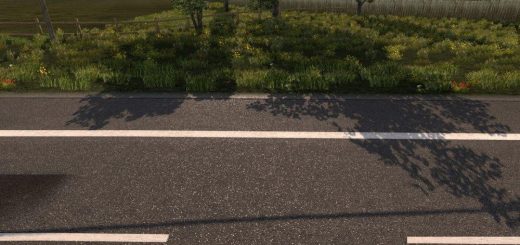
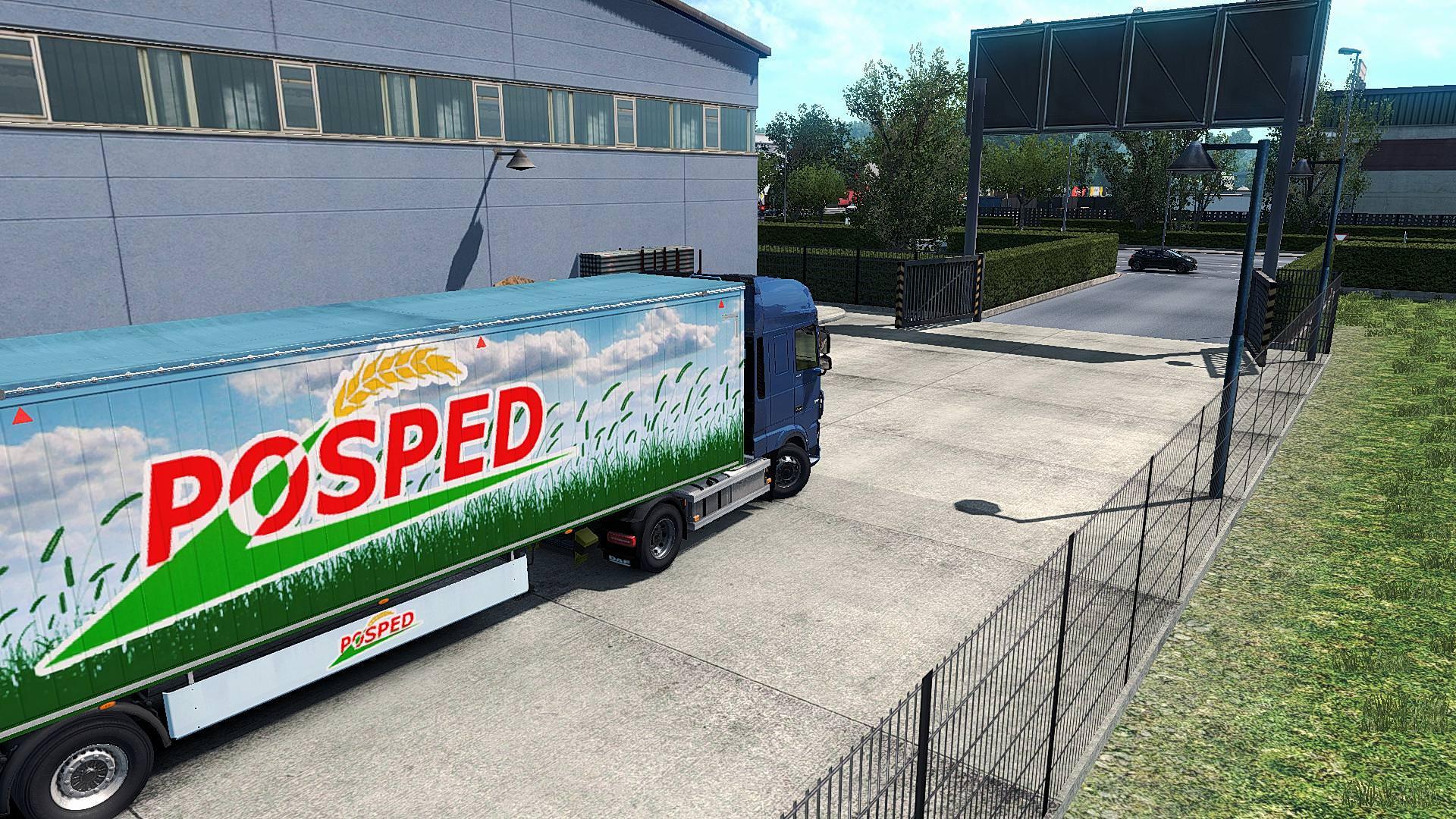
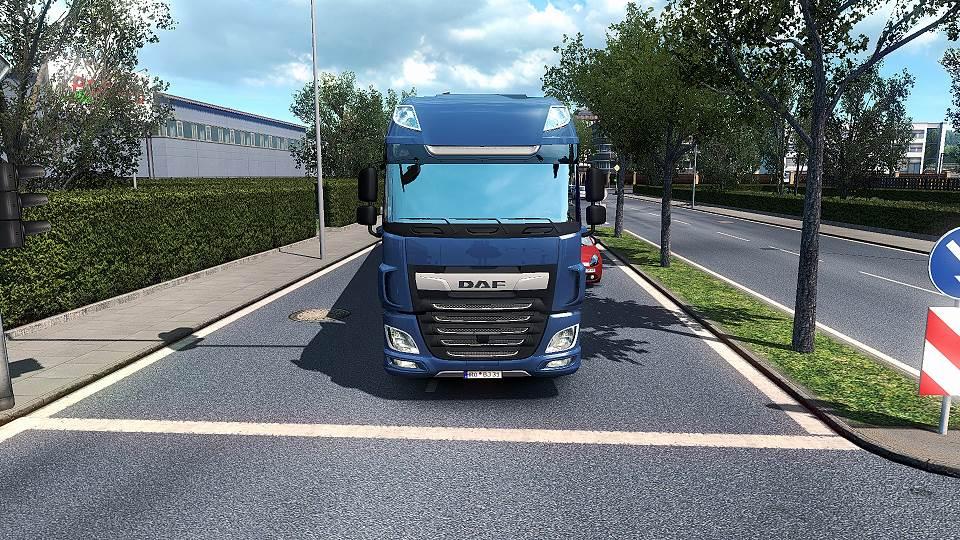
REALISTIC LIGHTING 2 JBX – PRESET V1.9.8 MOD
Descriere: The custom setting v1.9.8 offers the best visual of the gaming environment for most games, without affecting the quality of lighting and colors.
The excess of brightness, bad contrast and pure white is eliminated for more realistic graphics, compatibility with many Games and Mod Graphics.
Recomandare: Evitați să modificați luminozitatea și contrastul implicite ale monitorului*, jucați în Full HD (1920X1080) sau la o rezoluție mai mare și utilizați setările grafice pe care le recomand pentru a obține cel mai bun rezultat posibil în joc.
Additional: Deactivate the graphic options of post-processing effects and any other adjustment that affects the quality of the environment, including anti-aliasing filter not recommended. The brightness or gamma settings must be by default in the games. in some games you have to adjust it to avoid excess brightness.
Caracteristici:
- Iluminat mai bun
- Culoare mai bună
- Contrast mai bun
- Nu alb pur
- Sharpness și focalizare
- Temperatură de culoare mai bună
Changelog: updated to version 3.4.1 of Reshade. Includes all the necessary files to play.
Adjustments required* in the Game:
- Anti-Aliasing (MLAA): OFF (*)
- Gamă dinamică ridicată: ON (*)
- Adâncimea de câmp (DOF): OFF (*)
- Raze de soare: ON (*)
– Color Correction: ON (*)
- Filtrarea anizotropică: Maxim
Necessary settings for my Preset v1.9.8 (Config.cfg)
uset r_gamma "1" (Important)
uset r_cloud_shadows “0” (Optional)
uset r_color_correction “1” (Important)
Calea: \Documents\American Truck Simulator\config.cfg
Path: \Documents\Euro Truck Simulator 2\config.cfg
Notă: Ieșiți din joc înainte de a modifica config.cfg
For Reshade v3.4.1
– Open the menu with (Shift + Delete).
– Change (Usage Mode) to configuration mode.
– In the tab (Home) deactivate the effect (Tonemap).
For greater darkness, leave the Tonemap effect activated and adjust the Gamma value to 1,100 or higher.
Important: At daytime, activate the effect again.
For SweetFX v2.0
– Edit the file (SweetFX_settings.txt) with Notepad ++.
– Change the value from 1 to 0 to deactivate the effect (Tonemap).
– It can be edited with the game activated in full screen.
– Save the changes.
Example: #define USE_TONEMAP 0 //[0 or 1]
For greater darkness, leave the Tonemap effect activated and adjust the Gamma value to 1,100 or higher.
Important: At daytime, activate the effect again.
It is only necessary to deactivate the effect if the environment is very bright at night. It also affects if you use Mod Graphics with a lot of ambient light or brightness. I recommend leaving the effects of my Preset by default (All activated) for ATS/ETS2 and for the other games leave FXAA off or use the Preset with FXAA OFF.